
CodeActivator

WordPress

A Core Web Vitals Checklist for WordPress and Shopify Sites

CodeActivator Team8 min read
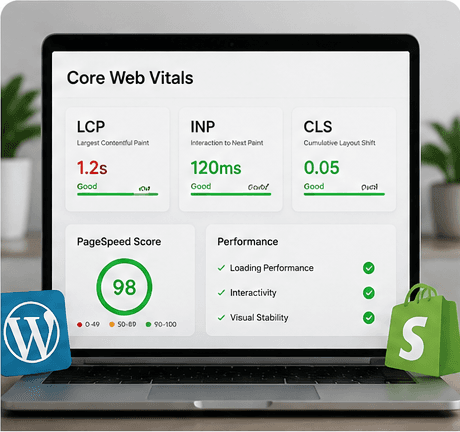
Illustration for a Core Web Vitals checklist on WordPress and Shopify

In short

Most Core Web Vitals problems on WordPress and Shopify come from four sources: unoptimized images, render-blocking third-party scripts, layout shift from late-loading elements, and hosting that cannot respond quickly. Work through them in that order — it is roughly the order of impact per hour spent.

Measure field data, not lab scores

A single Lighthouse run tells you what happened on one simulated connection. Core Web Vitals are assessed on what real visitors experienced over 28 days. Start with the Core Web Vitals report in Search Console, then use lab tools to diagnose the specific pages it flags.

This distinction matters because it changes priorities. A page that scores poorly in the lab but is fine in the field is not where your time goes.

Images first

Images are the most common cause of a poor Largest Contentful Paint, and the easiest to fix.

  • Serve modern formats, with dimensions matched to the largest size actually displayed.
  • Set explicit width and height attributes so the browser reserves space and avoids layout shift.
  • Preload only the hero image; lazy-load everything below the fold.
  • Check the mobile breakpoint specifically — desktop-sized images served to phones is the classic failure.

Then third-party scripts

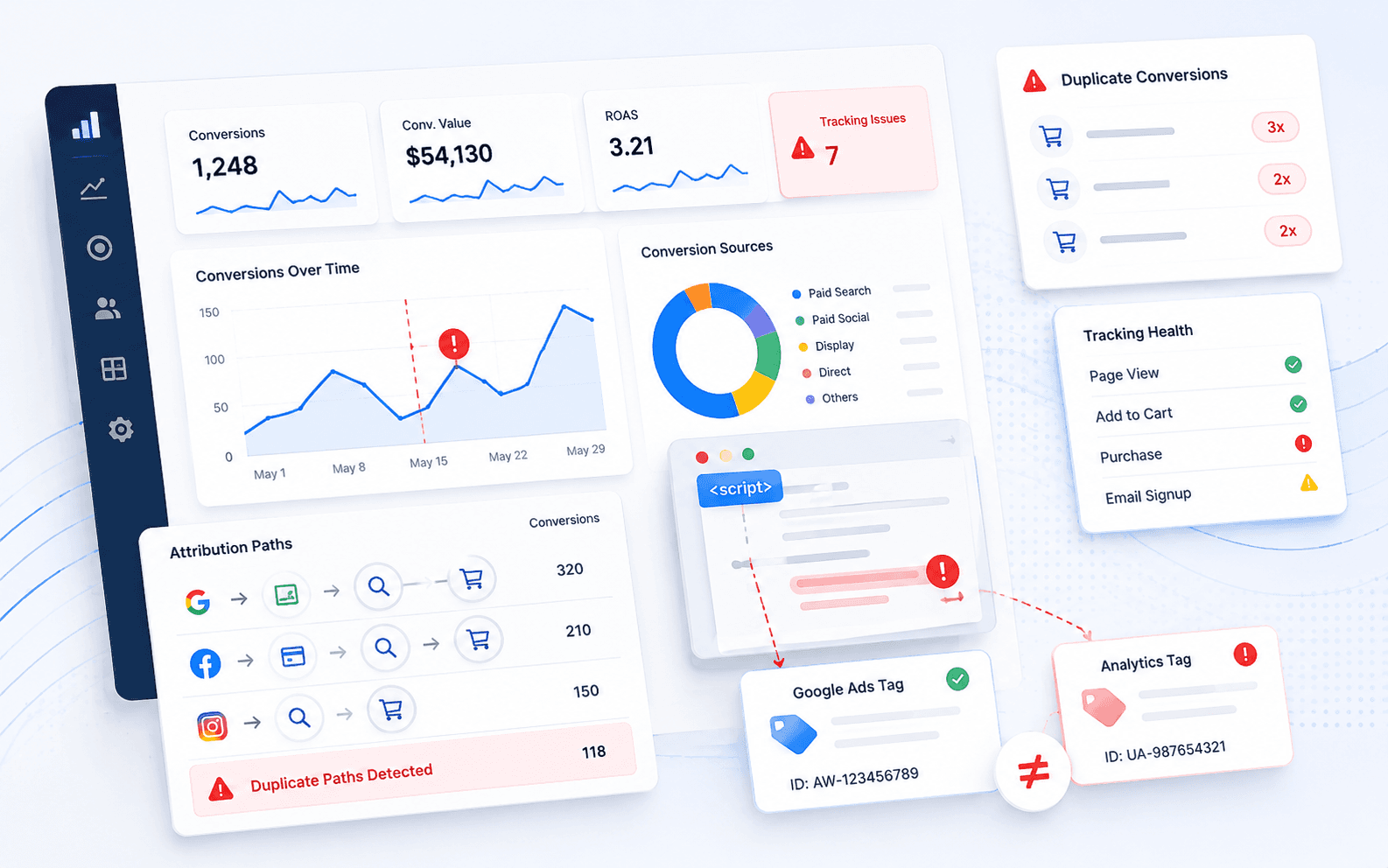
Chat widgets, review platforms, heatmaps, multiple analytics tags and abandoned A/B testing tools accumulate. Each blocks rendering or competes for the main thread.

Audit what is loading, remove anything nobody has looked at in six months, and load the rest only on the templates that need them. On Shopify this means auditing apps: many inject scripts site-wide for a feature used on one page.

Then layout shift

Cumulative Layout Shift usually comes from a small number of culprits: images without dimensions, web fonts swapping late, injected banners, and embeds that resize after load.

Reserve space for anything that arrives late. If a cookie banner or promotional bar appears after render, give it a fixed height in the initial layout.

Then hosting and caching

If time to first byte is consistently slow, no amount of front-end work will fix the experience. Check server response under real load rather than an idle test.

For WordPress this usually means proper page caching and adequate hosting. For Shopify the server is not yours to tune, which makes theme and app discipline the whole game.

Re-measure after each change

Change one category at a time and let field data catch up before judging. Bundling five fixes into one release makes it impossible to know which one worked, and which one you should repeat on the next site.

About the author

Written by the CodeActivator Team. We publish what we learn running search, development, paid media and social work for clients and agency partners.

Keep reading

Illustration representing AI Overview rankings and citation visibility
AI Search

Why Rankings Matter Less in AI Overviews

Ranking first and being cited in an AI Overview are two different selections. Here is what actually decides the second one, and how to measure visibility when position no longer predicts traffic.

Read Article

Want this applied to your own site?

Tell us what you are trying to improve and we will tell you what we would do first.